
Every modern car holds a secret language deep within its computer system. This language, called OBD2 live data, allows you to “listen” to your car’s health in real time. But for most people, these numbers and terms can feel confusing or even overwhelming. If you’ve ever connected an OBD2 scanner and stared at the live data screen, wondering what it all means, you’re not alone. Understanding OBD2 live data is a powerful skill—it helps you find problems, save money on repairs, and even spot issues before they get worse. Let’s break down how to read and use OBD2 live data so you can take control of your vehicle’s health.
What Is Obd2 Live Data?
OBD2 stands for On-Board Diagnostics, version 2. It’s a system in almost every car made after 1996. OBD2 live data refers to the real-time information your car’s computer sends about engine, transmission, emissions, and other systems. With an OBD2 scanner, you can see things like engine temperature, air flow, sensor readings, and more—while the engine is running.
Unlike just reading stored trouble codes, live data shows what’s happening right now. This is important because some problems don’t trigger a warning light or a code, but they still appear in the live data. Mechanics use this information daily, but car owners can use it too.
Why Does Obd2 Live Data Matter?
OBD2 live data is like a window into your car’s brain. Here’s why it’s valuable:
- Early problem detection: Find issues before they cause breakdowns.
- Save money: Avoid unnecessary repairs or parts replacement.
- Better communication: Understand what your mechanic is talking about.
- DIY repairs: See if a problem is fixed before you leave the garage.
Many car problems give subtle signs in the live data long before a warning light appears. For example, a slow oxygen sensor or a weak fuel pump might not trigger a code yet, but live data can reveal the problem early.
How To Access Obd2 Live Data
To see live data, you need:
- An OBD2 scanner or code reader (basic or advanced models)
- A car with an OBD2 port (almost every car after 1996)
- A smartphone or laptop (for Bluetooth/Wi-Fi scanners)
Plug the scanner into the port (usually under the dashboard near the steering wheel). Follow your scanner or app instructions to read live data. Some scanners show only basic info, while advanced ones display hundreds of data points.
Key Obd2 Live Data Parameters Explained
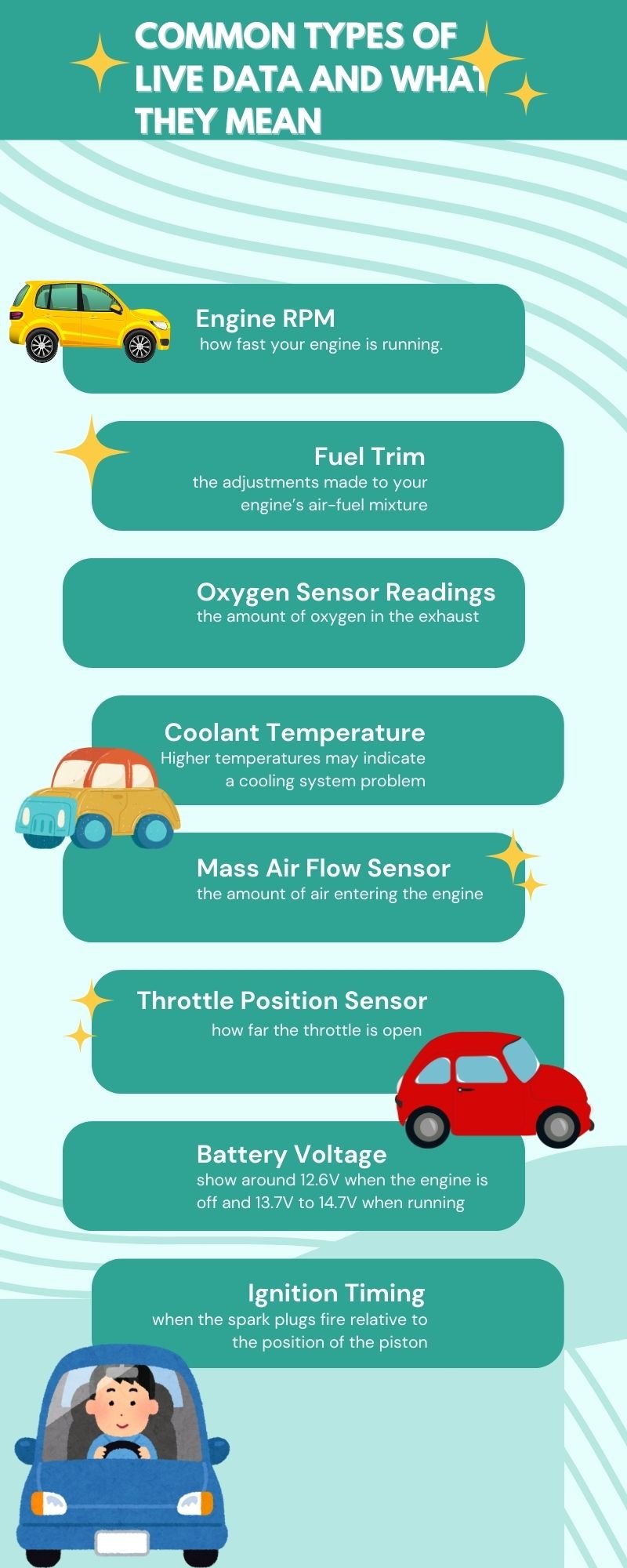
There are dozens of live data readings—sometimes more than 100. Here are the most important and common ones, with practical tips for each:
1. Engine Rpm
Engine RPM shows how fast the engine is spinning. Normal idle is usually 600–900 RPM. If RPM jumps up or down at idle, it can mean problems like a vacuum leak, idle air control issues, or misfiring.
2. Coolant Temperature
Coolant temperature tells you how hot your engine is. A typical warmed-up engine runs between 185–220°F (85–105°C). If this is too low, your thermostat might be stuck open; too high may mean overheating or cooling system issues.
3. Short-term And Long-term Fuel Trim (stft/ltft)
These values show how much the computer is adjusting the fuel mixture:
- STFT changes quickly as you drive.
- LTFT changes slowly over time.
Both are shown in percentages. A value near 0% means everything is fine. If you see +20% or -20%, something is wrong—like a vacuum leak, bad injector, or faulty sensor.
4. Oxygen Sensor (o2) Voltage
Oxygen sensors help the computer adjust fuel and air mix. The sensor voltage (usually 0. 1–0. 9V) should move up and down quickly. If the voltage is stuck or moves slowly, the sensor or catalytic converter may be bad.
5. Mass Air Flow (maf) Sensor
The MAF sensor measures air entering the engine. Its value (grams/second or lbs/min) should rise as you press the gas. If the reading is much lower or higher than normal, the sensor, filter, or intake may be dirty or faulty.
6. Intake Air Temperature (iat)
This shows the temperature of air entering your engine. Normal is close to outside air temperature. If it’s much higher, the sensor may be bad or the intake is too hot.
7. Throttle Position Sensor (tps)
TPS shows how open the throttle is (0–100%). At idle, it’s usually around 10–20%. At wide open throttle, it should reach close to 100%. If values jump or don’t match your pedal, the sensor could be faulty.
8. Vehicle Speed
This should match your dashboard speed. If not, your speed sensor or wiring may need checking.
9. Manifold Absolute Pressure (map)
MAP measures air pressure in the intake. At idle, it’s low (15–22 inHg or 30–40 kPa). At wide open throttle, it rises. Odd readings can mean vacuum leaks or sensor problems.
10. Battery Voltage
Normal running voltage is 13. 7–14. 7V. Under 12. 5V when running means charging issues. Over 15V may damage electronics.
11. Catalyst Temperature
Some advanced scanners show catalytic converter temperature. High readings (over 1600°F/870°C) may mean fuel is burning in the exhaust—a sign of misfire or rich running.
12. Calculated Load
This shows how hard the engine is working (0–100%). At idle, it’s low (2–25%). At full throttle, it’s high. High load at idle can mean engine or sensor problems.
13. Evaporative Emission (evap) System
Live data may show EVAP system status, like purge valve activity. If the status is always “off” or “on,” the system may have a leak or valve fault.
14. Fuel Pressure
If your scanner supports it, fuel pressure should stay steady. Low pressure causes hard starting or stalling.
15. Engine Run Time
This shows how long the engine has been running since the last start. It helps when checking warm-up related problems.
Example: Reading Fuel Trim Data
Let’s say your car idles rough and has poor fuel economy. You check the live data and see:
- STFT: +18%
- LTFT: +16%
Both are high and positive. This means the computer is adding more fuel to balance a lean condition. Common causes: vacuum leaks, low fuel pressure, or dirty injectors. Instead of guessing, you know exactly where to start looking.
Comparing Key Live Data Values
Here’s a quick look at normal vs. abnormal readings for some important parameters:
| Parameter | Normal Value | Problem Value | Possible Cause |
|---|---|---|---|
| Coolant Temp | 185–220°F (85–105°C) | <160°F or >230°F | Thermostat, overheating |
| STFT/LTFT | -10% to +10% | > ±20% | Vacuum leak, fuel issue |
| O2 Sensor | 0.1–0.9V (switching) | Stuck high/low | Sensor or cat failure |
| Battery Voltage | 13.7–14.7V | <12.5V or >15V | Alternator, wiring |
Best Practices For Interpreting Live Data
Interpreting OBD2 live data isn’t just about numbers. Here’s how to get it right:
- Compare to known good values: Use your manual or trusted sources for normal ranges.
- Check patterns, not just numbers: A sensor that moves smoothly is usually healthy.
- Test under different conditions: Idle, rev, drive—problems can appear only at certain times.
- Record data: Save or write down readings for later comparison.
- Don’t focus on one value: Look for a group of related values that point to the same issue.
Two Insights Most Beginners Miss
First, many people forget that live data is dynamic—meaning values change quickly as you drive, accelerate, or idle. Don’t panic if a number jumps while you press the gas pedal. It’s meant to change.
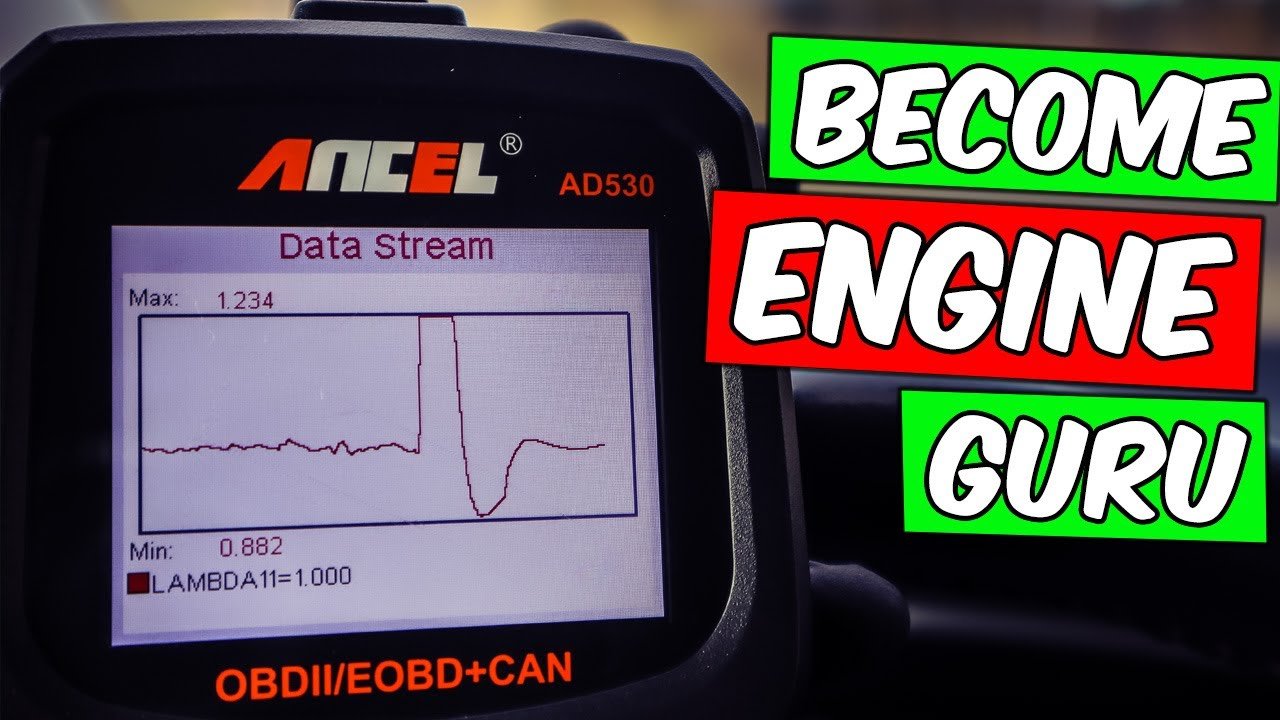
Second, sensor readings can look “normal” but still be wrong if they’re too slow to react or don’t change when they should. For example, a lazy O2 sensor might show 0. 7V, but if it doesn’t switch up and down, it’s faulty.
Always check how fast values respond to changes.
Credit: www.youtube.com
When To Use Freeze Frame Vs. Live Data
OBD2 tools often show both freeze frame and live data. Freeze frame is a snapshot when a fault code was set. Live data is current, real-time information. Use freeze frame to see what happened at the time of a problem. Use live data to diagnose ongoing issues or confirm repairs.
Common Mistakes When Reading Obd2 Live Data
Avoid these pitfalls:
- Trusting only one sensor: One bad sensor can make other readings look wrong.
- Ignoring vehicle context: “Normal” varies by engine size, weather, and design.
- Skipping warm-up: Many values only stabilize after the engine warms up.
- Forgetting about wiring: Sometimes the sensor is fine, but the wires or connectors are damaged.
Example: Diagnosing A Misfire With Live Data
Suppose you feel a rough engine and see a misfire code. Instead of guessing, check live data for:
- Cylinder misfire counts (if your scanner supports it)
- O2 sensor voltage (should jump up with misfire)
- Fuel trims (often go positive)
You notice cylinder 3 has many more misfires than others. Now you know where to check spark plugs, coils, or injectors—saving time and money.
Obd2 Live Data And Emissions Testing
Many places require emissions testing. Live data helps you check systems before inspection. For example, you can see if oxygen sensors and catalytic converters are working, and if the EVAP system is “ready. ” This can help you fix issues before failing a test.

Credit: obdsoftware.my.site.com
Advanced Tools: Graphing And Data Logging
Some OBD2 tools and apps allow you to graph data or log it over time. This is especially useful for finding problems that only happen while driving. For example, a fuel pump that fails after 10 minutes will show dropping fuel pressure on a graph, even if a quick check looks fine.
Here’s a comparison of basic vs. advanced OBD2 tool features:
| Feature | Basic Scanner | Advanced Scanner |
|---|---|---|
| Read Codes | Yes | Yes |
| Live Data | Limited | Full |
| Data Graphing | No | Yes |
| Data Logging | No | Yes |
| System Coverage | Engine only | Transmission, ABS, Airbags |
Real-world Use Case
A driver complains about poor acceleration and high fuel use. Instead of replacing random parts, you connect an OBD2 scanner. Live data shows MAF readings much lower than expected for the engine speed. You check the air filter—it’s dirty. Replacing it restores normal readings, and the problem is fixed.
This targeted approach saves money and avoids unnecessary repairs.
Where To Learn More
To dive deeper into OBD2 systems, the official Wikipedia page on On-Board Diagnostics gives a solid technical background.
Frequently Asked Questions
What Is The Difference Between Live Data And Stored Codes?
Live data shows real-time sensor readings as the engine runs. Stored codes are records of problems detected by the car’s computer. Live data helps you see what’s happening now, while codes tell you about past issues.
Why Do Some Values In Obd2 Live Data Change So Quickly?
Many sensors, like oxygen sensors or throttle position, respond in real time to changes in engine speed, load, or temperature. Fast changes are normal and show the system is working.
Can I Use Obd2 Live Data To Fix My Car Myself?
Yes, many issues—like vacuum leaks, sensor faults, or bad coils—can be found with live data. However, some repairs need special tools or skills. Start with small fixes and learn as you go.
Is Live Data The Same For All Cars?
No. While many parameters are similar, each car may have unique sensors, data ranges, or extra information. Always check your car’s manual or trusted sources for “normal” values.
What If My Obd2 Scanner Shows “no Data” For A Sensor?
This usually means your scanner or vehicle doesn’t support that data, or the sensor itself is faulty or disconnected. Try another tool or check connections.
Understanding OBD2 live data interpretation puts you in control of your vehicle’s health. With practice, you’ll spot problems early, avoid costly mistakes, and make smarter decisions at the repair shop. The more you learn, the more confident you’ll become in reading your car’s digital language.
Credit: www.foxwelldiag.com